Focused imaging software
Purpose-built tools for CT reconstruction, 3D analysis, 2D X-ray review, and focused defect inspection.
Industrial CT and X-ray software for manufacturers and research teams—from reconstruction and 3D analysis to focused defect inspection
01 / FEATURED SOFTWARE
Move from CT reconstruction and 3D visualization to porosity analysis and 2D X-ray inspection
Browse products 01—04 / 04
3D VISUALIZATION & ANALYSIS
Visualize and analyze CT volume data with real-time rendering, section views, measurement, and reporting tools.
View product3D CT RECONSTRUCTION
Reconstruct projection data into reliable CT volumes with geometry correction and artifact-reduction tools.
View productPOROSITY INSPECTION
Detect, edit, and report porosity in CT volume data with focused pore analysis and clear color mapping.
View product2D X-RAY INSPECTION
Review 2D X-ray images and inspect voids, BGA, PCB, and production components with focused tools.
View product02 / CORE TECHNOLOGIES
3DII connects reconstruction, 3D visualization, measurement, and defect analysis in software built for practical inspection workflows.
Explore our technologyTurn projection data into calibrated CT volumes with geometry correction and artifact-reduction tools.
Review volume renderings and reformatted sections, then measure, filter, compare, and export the result.
Find porosity, voids, BGA and PCB conditions, and surface defects with repeatable inspection workflows.
03 / APPLICATIONS
Start with what needs to be reconstructed, measured, found, or reported. Each workflow leads to the software designed for that task.
04 / WHY 3DII
3DII develops the software behind the workflow and works with manufacturers, research teams, and industry partners to make each result practical to use.
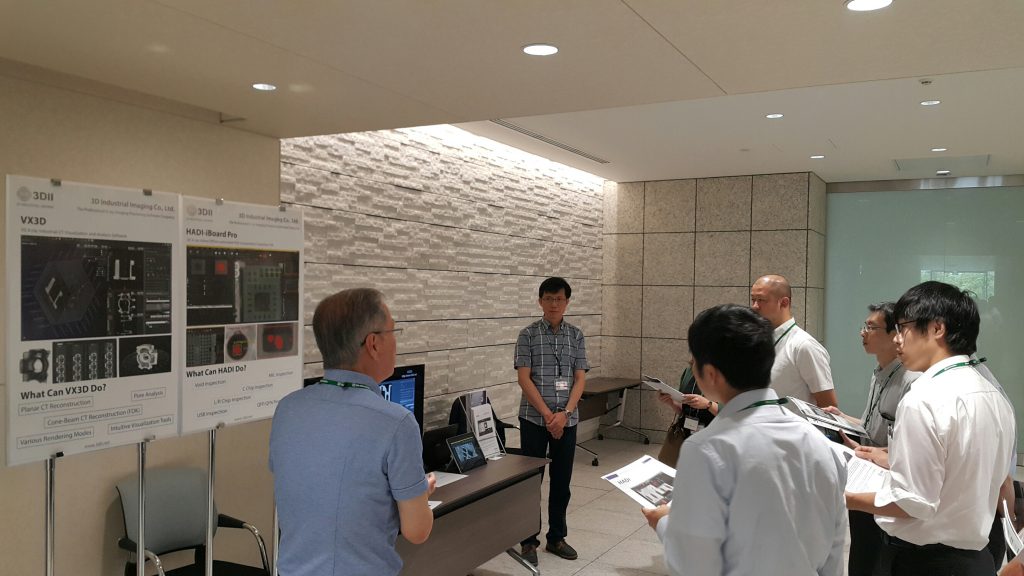
Purpose-built tools for CT reconstruction, 3D analysis, 2D X-ray review, and focused defect inspection.
Products can solve one defined task or connect reconstruction, analysis, inspection, and reporting.
Discuss image data, defects, and operating conditions with a team that understands the software.
05 / SUPPORT
Watch the software, find the correct document, or prepare the details our team needs to help with an inspection or installation question.
Open the software library or contact the team directly when the right product, version, or next step is not clear.
Open downloadsProduct, version, inspection objective, and a screenshot or sample when available
Contact us →06 / START A CONVERSATION
Share the part or image data, the defect or measurement you need to understand, and where the result will be used.