Expanded inspection set
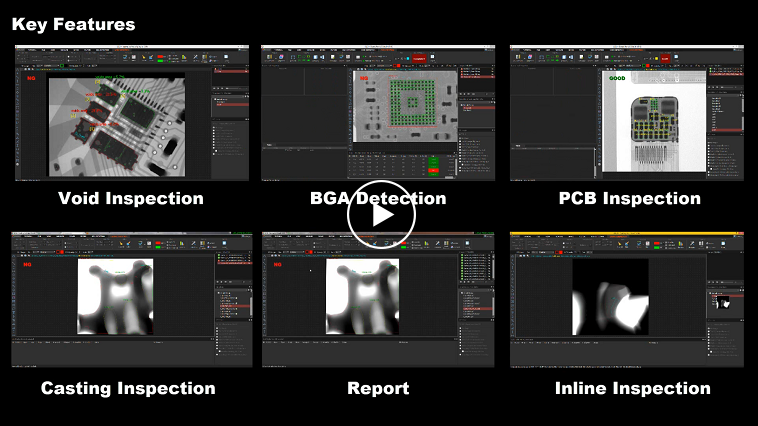
Use automated BGA detection and void inspection in one professional template workflow

INLINE VOID & BGA INSPECTION
Combine BGA and void analysis with batch simulation and UDP communication for a workflow that can connect with third-party production software
01 / PRODUCT FOCUS
Use automated BGA detection and void inspection in one professional template workflow
Run saved inspection logic across image sets before connecting it to a production process
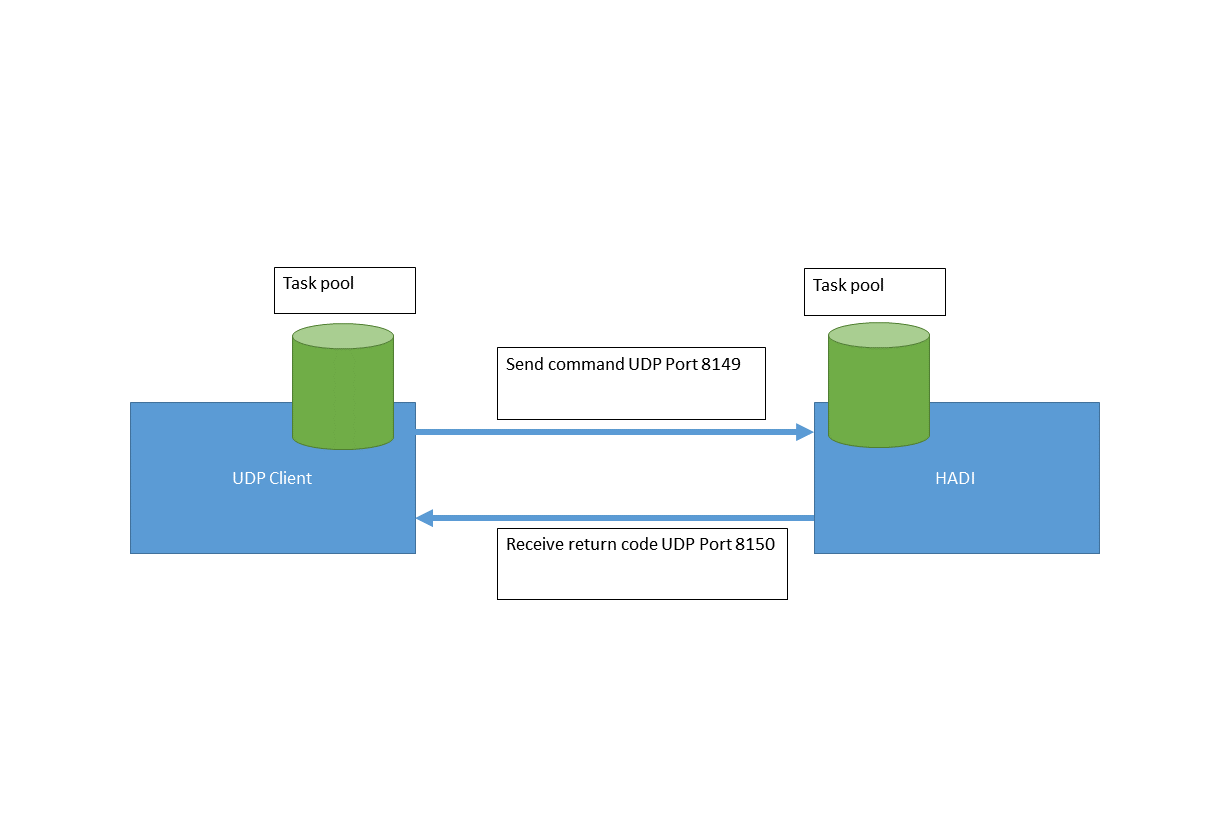
Receive commands from a third-party application and return inspection status over the network
02 / CAPABILITIES
The HADI interface keeps image preparation, inspection regions, results, and supporting tools in one working environment
COMBINED INSPECTION
HADI-InspectionPro combines the core inspection functions used for solder-ball geometry and internal void evaluation
COMMUNICATION
UDP communication allows external software to send tasks to HADI and receive the resulting status, providing a practical bridge to a wider line-control workflow
BATCH VALIDATION
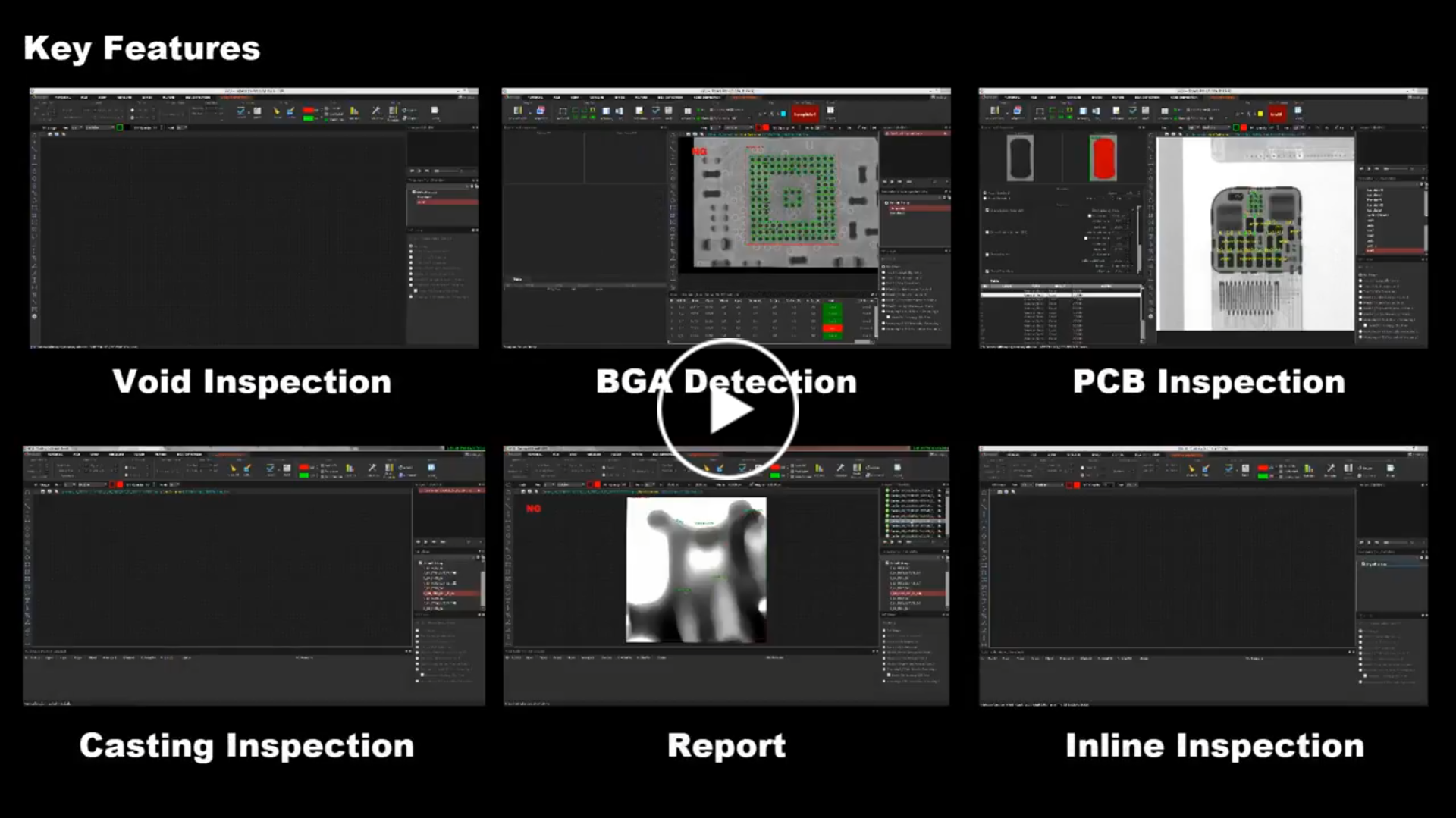
Batch processing simulation helps reviewers check how a taught template behaves across a group of images before the workflow is used more broadly
03 / WORKFLOW
Teach BGA and void inspection templates
Test the workflow across an image batch
Exchange commands and status through UDP
Run the prepared inline void workflow
04 / SHARED HADI TOOLKIT
Every HADI product includes the foundational tools needed to load, prepare, measure, review, and communicate 2D X-ray images
SOFTWARE DOWNLOADS
Find archived installers, product manuals, and the industrial software guide in one library. Check the version and license requirements before changing a production workstation.
Open software downloads